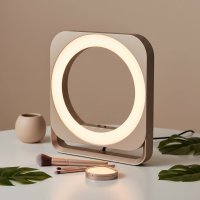
In today’s world of remote work and virtual meetings, your on-screen presence is more important than ever. You could have the sharpest webcam and the fastest internet, but if your lighting is poor, you’ll look unprofessional, tired, and hidden in the shadows. That’s where a ring light for video calls comes in, transforming your grainy, dim image into a clear, professional, and engaging presence. It’s the single most effective upgrade you can make to your home office setup, and as a professional with over a decade of experience in lighting, I’m here to guide you through everything you need to know.
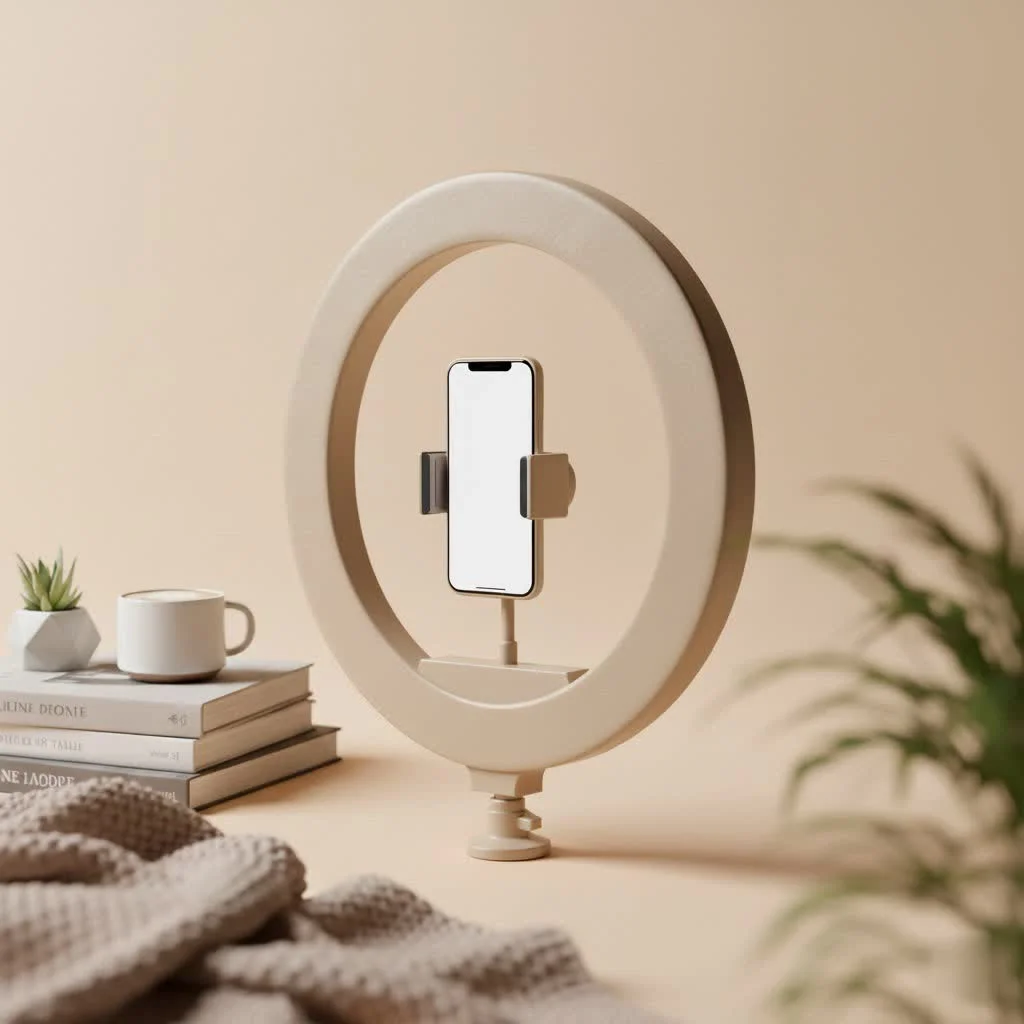
Why Lighting is a Game-Changer for Video Conferencing
Before we dive into the hardware, let’s talk about why good lighting is non-negotiable. Poor lighting, often from an overhead fixture or a side window, creates harsh shadows that can obscure your facial expressions and make you appear disengaged. This can subtly impact how your colleagues and clients perceive you.
Good, direct lighting, however, achieves several key things:
- Boosts Professionalism: It signals that you take your virtual presence seriously.
- Enhances Clarity: It allows others to see your facial cues and non-verbal communication clearly, which is crucial for effective collaboration.
- Reduces Eye Strain: A well-lit face is easier for others to look at, reducing subconscious “video fatigue” for everyone on the call.
- Creates a Flattering Look: It smooths skin tones and eliminates distracting shadows, making you look more awake and energized.
As communications psychologist Dr. Alistair Finch notes, “In a virtual meeting, your face is the primary focal point. Clear, balanced lighting builds a sense of trust and connection because it mimics the natural way we interact in person, free from visual distractions.”
How to Choose the Best Ring Light for Your Setup
Not all ring lights are created equal. Choosing the right one depends on your workspace, needs, and budget. Here are the key factors to consider.
Key Features to Look For
When shopping for a ring light for video calls, focus on these three essential features:
-
Adjustable Brightness (Dimming): Your lighting needs will change depending on the time of day and the ambient light in your room. A ring light with multiple brightness levels allows you to dial in the perfect amount of light, ensuring you’re never washed out or too dim. Look for models with at least 10 brightness settings.
-
Adjustable Color Temperature: This feature lets you change the warmth or coolness of the light, measured in Kelvin (K). A warmer light (around 3000K) has a yellowish, cozy tone, while a cooler light (around 5500K) is a crisp, bluish-white similar to daylight. The ability to adjust this helps you match the other light sources in your room for a natural look. Most good models offer at least three modes: warm, cool, and a neutral mix.
-
Mounting and Portability: How will you attach the light to your setup?
- Clip-On: These are small, portable lights that clip directly onto your laptop, monitor, or phone. They are perfect for those with limited space or who work on the go.
- Desktop Stand: These lights come with a small tripod or weighted base that sits on your desk. They are generally larger and more powerful than clip-on models, offering more flexibility in positioning.
What Size Ring Light Do I Need for Video Calls?
|
Our Picks for the Best Ring Light in 2026
As an Amazon Associate I earn from qualifying purchases.
|
||
| Num | Product | Action |
|---|---|---|
| 1 | UBeesize 12\'\' Selfie Ring Light with 62’’ Tripod Stand for Video Recording, Live Streaming(YouTube, Instagram, TIK Tok), Compatible with Phones, Cameras and Webcams |

|
| 2 | Weilisi 10\" Ring Light with Stand 72\'\' Tall & Phone Holder,38 Color Modes Selfie Light with Tripod Stand,Stepless Dimmable/Speed LED Ring Light for iPhone & Android,YouTube, Makeup,TIK Tok |
|
| 3 | Weilisi 12\'\' Ring Light with Stand 72\'\' Tall & 2 Phone Holders,38 Color Modes Selfie Light with Tripod Stand, Big LED Ring Light for iPhone/Android/Camera,YouTube,Makeup |
|
| 4 | STALLY 10.2\" Ring Light with Stand, 75\" Tall Ring Light with Phone Holder and Wireless Remote, 12 Dimming Levels, 32 Color Modes Selfie Light Tripod for iPhone, Live Stream, Makeup, YouTube, TikTok |
|
| 5 | EMART 10\" Ring Light with 55\" Extendable Tripod Stands and Phone Holder, Dimmable LED Circle Round Light for Selfie Camera Photography/Makeup/YouTube Video/Vlogging/Live Streaming |
|
| 6 | Upgraded Ring Light for Laptop, Monitor, Desk & Phone – Eye-Caring LED Webcam Light with Screen-Safe Clip, Adjustable Monitor Mount, 50 Lighting Modes, Computer Light for Zoom, Streaming, Video Calls |
|
| 7 | 10\" Selfie Ring Light with 73\" Tripod Stand & 1 Phone Holder, LED Camera Ringlight with 48 RGB Colors Modes & Musical Rhythm Mode and 12 Brightness Dimmable for TikTok/Makeup/Photography/Vlog |
|
| 8 | NEEWER Basics 10\" Selfie Ring Light with Tripod Stand/3 Phone Holders Compatible with iPhone/3 Cold Shoes/Remote, LED Ringlight Lighting for YouTube TikTok Vlog Video Recording Makeup Streaming, R11 |
|
| 9 | Aureday 14\'\' Selfie Ring Light with 62\'\' Tripod Stand and Phone Holder, Dimmable LED Phone Ringlight for Makeup/Video Recording/Photography, Circle Lighting for All Cell Phones&Lightweight Cameras |
|
| 10 | Sensyne 10\'\' Ring Light with 50\'\' Extendable Tripod Stand, LED Circle Lights with Phone Holder for Live Stream/Makeup/YouTube Video/TikTok, Compatible with All Phones |
|
For video conferencing, you don’t need the massive ring lights used by professional YouTubers. A smaller, more focused light is ideal.
- 4 to 6-inch Ring Lights: These are typically clip-on models. They’re excellent for laptops and provide enough light to illuminate your face from a short distance.
- 8 to 10-inch Ring Lights: These often come with desktop stands and offer a great balance of power and size. They create a softer, more diffused light that is very flattering for meetings and presentations.
- 12-inch and larger: These are generally overkill for video calls and can be difficult to position correctly in a typical desk setup.
How to Set Up Your Ring Light for Perfect Lighting
Getting a great ring light is only half the battle; proper positioning is what creates that professional look. Follow these simple steps for a flawless setup.
Step-by-Step Positioning Guide
-
Position the Light Directly in Front of You: The goal is to have the light source facing you head-on. Place the ring light directly behind your webcam, with the camera looking through the center of the ring if possible. This placement eliminates shadows from all angles.
-
Set the Right Height: The ring light should be at eye level. If it’s too high, it will create shadows under your eyes and nose. If it’s too low, it will cast an unflattering upward shadow.
-
Adjust the Brightness: Start with the brightness at a low or medium setting. Your goal is to fill in the shadows, not to blast your face with light. Looking directly at the camera, increase the brightness until your face is evenly lit without any “hot spots” (areas that are too bright).
-
Match the Color Temperature: Look at the other light in your room. Is it a warm, yellow light from a lamp, or cool, white light from a window? Adjust your ring light’s color temperature to match the ambient light as closely as possible. This creates a more cohesive and natural look.
-
Check Your Background: Remember that the ring light will also illuminate what’s behind you. Make sure your background is tidy and professional. The light can also cause glare on glasses or reflective surfaces behind you, so do a quick check and adjust the light’s angle if needed.
Frequently Asked Questions (FAQ)
Is a ring light really necessary for Zoom calls?
While not strictly “necessary,” a ring light is the most effective way to improve your video quality and professional appearance. It provides consistent, flattering light that a desk lamp or overhead light cannot replicate, making you look clearer and more engaged on every call.
Can I just use a regular lamp instead of a ring light?
You can, but the results won’t be as good. A standard lamp creates light from a single point, which produces harsh shadows on one side of your face. A ring light casts a uniform, circular light that wraps around your face, eliminating shadows and creating a much softer, more professional effect.
Will a ring light cause glare on my glasses?
It can, but this is easily fixed with positioning. If you see a glare, try raising the ring light slightly higher than eye level and angling it downwards. This changes the angle of reflection, usually removing the glare from your lenses while still providing excellent illumination for your face.
How are ring lights powered?
Most ring lights designed for video calls are USB-powered. You can plug them directly into your computer, a USB hub, or a standard USB wall adapter, making them incredibly convenient for any desk setup.
What’s more important: brightness or color temperature?
Both are crucial, but if you have to prioritize, adjustable brightness is the most important feature. Being able to control the intensity of the light ensures you can adapt to any environment. However, having adjustable color temperature is what takes your lighting from good to great.
The Final Word on Flawless Video Calls
Investing in a ring light for video calls is no longer a luxury—it’s a fundamental part of a modern professional’s toolkit. It’s a simple, affordable solution to a common problem that pays dividends in how you are perceived in the virtual workplace. By choosing a light with adjustable brightness and color temperature and positioning it correctly, you can ensure you always show up looking your best, ready to communicate with clarity and confidence. Take control of your on-screen presence and let your ideas, not your shadows, take center stage.
Get our weekly buyer guide
Practical specs, not advice. Unsubscribe anytime.