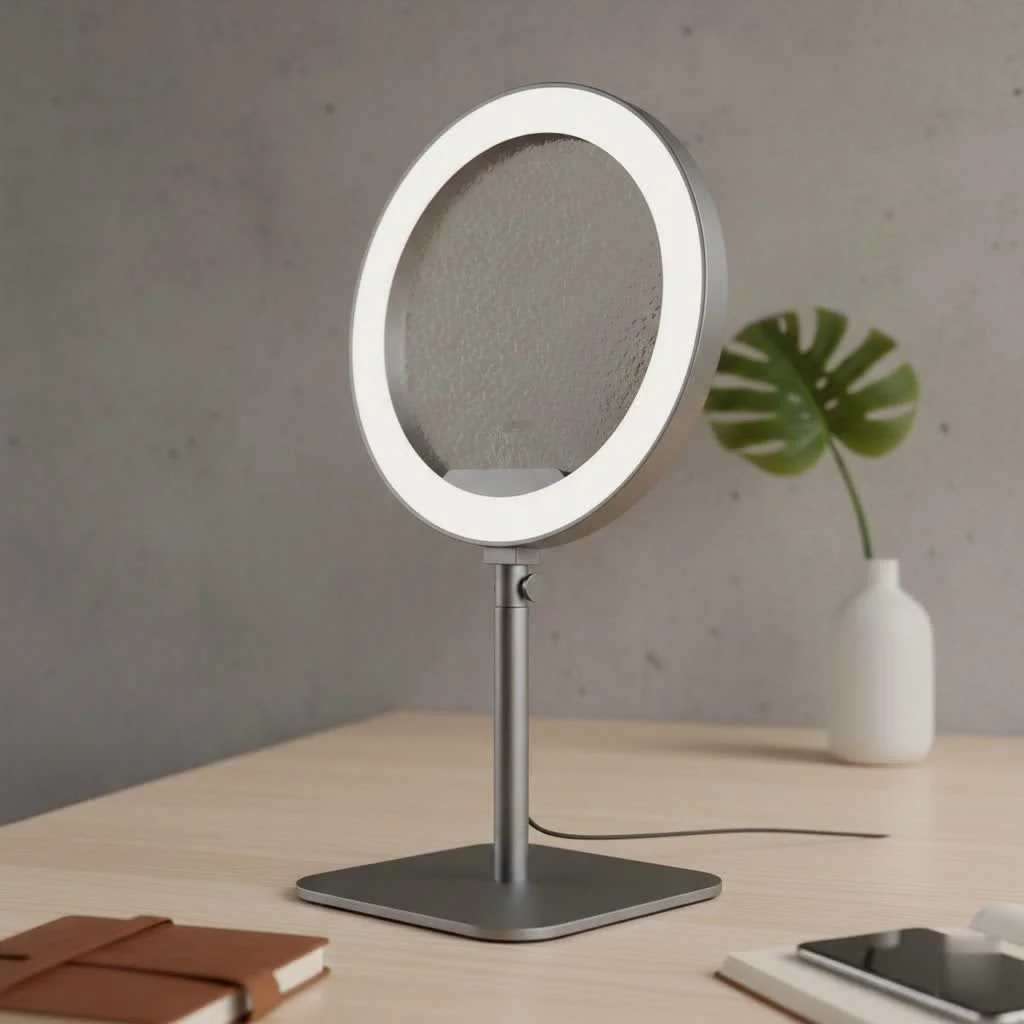
A ring light for a laptop is an essential tool that significantly enhances your on-screen presence by providing soft, even illumination, eliminating harsh shadows, and improving overall image quality during video calls, streaming, or content creation. This simple upgrade transforms your webcam feed from amateur to professional, ensuring you always look your best on camera. With over a decade of experience in lighting for photography and video, I’ve seen firsthand how the right light makes all the difference.
Why Your Webcam Lighting Needs an Upgrade
Most built-in webcams are decent but struggle in imperfect lighting conditions. Relying on overhead room lights or a lamp off to the side often creates harsh shadows under your eyes and nose, highlighting imperfections and making you look tired. A window behind you can turn you into a silhouette, while a dark room results in a noisy, unprofessional image.
A ring light solves these problems by providing a soft, direct, and even source of light that originates from around your camera’s lens. This simple tool accomplishes several key things:
- Eliminates Shadows: It fills in facial shadows, creating a smooth and flattering look.
- Creates a “Catchlight”: It produces a signature circular reflection in your eyes, making you look more engaged and vibrant.
- Improves Image Quality: By providing the camera with more light, it reduces digital noise and graininess, resulting in a sharper, clearer picture.
- Ensures Consistency: Your lighting will look consistent and professional, regardless of the time of day or the quality of your room’s ambient light.
How to Choose the Perfect Ring Light for Your Laptop
Not all laptop ring lights are created equal. When shopping for one, there are a few key features to consider to ensure you get a device that perfectly suits your needs.
Mounting Style: Clip-On vs. Mini Tripod
The most common design is the clip-on ring light for laptop. These are incredibly convenient, featuring a padded clamp that attaches directly to the top of your laptop, positioning the light perfectly around your webcam. Look for a clip with soft silicone or rubber padding to protect your screen from scratches.
Alternatively, some models come with a small, separate tripod. This offers more flexibility in positioning the light—for example, you could place it slightly to the side for a more dimensional look. However, it also takes up more desk space and is less portable. For most users, a high-quality clip-on model is the most practical choice.
Brightness and Color Temperature Control
Adjustability is non-negotiable. Your lighting needs can change drastically depending on your environment.
- Adjustable Brightness (Dimmability): You need the ability to dial the brightness up or down. A light that’s too bright will wash you out, while one that’s too dim won’t be effective. Look for models with at least 5-10 levels of brightness adjustment.
- Adjustable Color Temperature: This feature allows you to change the light from a warm, orangey glow to a cool, bluish-white. It’s crucial for matching the ambient light in your room and for finding the most flattering tone for your skin. Most laptop ring lights offer three modes: warm (around 3000K), neutral/daylight (4500K), and cool (6500K).
“The ability to control both brightness and color temperature is what separates a good ring light from a great one,” notes professional portrait photographer Amelia Vance. “It gives you the power to adapt to any situation and craft your look, rather than being stuck with one static setting.”
Power Source: USB vs. Battery
|
Our Picks for the Best Ring Light in 2026
As an Amazon Associate I earn from qualifying purchases.
|
||
| Num | Product | Action |
|---|---|---|
| 1 | EMART 10\" Ring Light with 55\" Extendable Tripod Stands and Phone Holder, Dimmable LED Circle Round Light for Selfie Camera Photography/Makeup/YouTube Video/Vlogging/Live Streaming |

|
| 2 | UBeesize 12\'\' Selfie Ring Light with 62’’ Tripod Stand for Video Recording, Live Streaming(YouTube, Instagram, TIK Tok), Compatible with Phones, Cameras and Webcams |
|
| 3 | 10\" Selfie Ring Light with 73\" Tripod Stand & 1 Phone Holder, LED Camera Ringlight with 48 RGB Colors Modes & Musical Rhythm Mode and 12 Brightness Dimmable for TikTok/Makeup/Photography/Vlog |
|
| 4 | NEEWER Basics 10\" Selfie Ring Light with Tripod Stand/3 Phone Holders Compatible with iPhone/3 Cold Shoes/Remote, LED Ringlight Lighting for YouTube TikTok Vlog Video Recording Makeup Streaming, R11 |
|
| 5 | Upgraded Ring Light for Laptop, Monitor, Desk & Phone – Eye-Caring LED Webcam Light with Screen-Safe Clip, Adjustable Monitor Mount, 50 Lighting Modes, Computer Light for Zoom, Streaming, Video Calls |
|
| 6 | Sensyne 10\'\' Ring Light with 50\'\' Extendable Tripod Stand, LED Circle Lights with Phone Holder for Live Stream/Makeup/YouTube Video/TikTok, Compatible with All Phones |
|
| 7 | STALLY 10.2\" Ring Light with Stand, 75\" Tall Ring Light with Phone Holder and Wireless Remote, 12 Dimming Levels, 32 Color Modes Selfie Light Tripod for iPhone, Live Stream, Makeup, YouTube, TikTok |
|
| 8 | Weilisi 12\'\' Ring Light with Stand 72\'\' Tall & 2 Phone Holders,38 Color Modes Selfie Light with Tripod Stand, Big LED Ring Light for iPhone/Android/Camera,YouTube,Makeup |
|
| 9 | Aureday 14\'\' Selfie Ring Light with 62\'\' Tripod Stand and Phone Holder, Dimmable LED Phone Ringlight for Makeup/Video Recording/Photography, Circle Lighting for All Cell Phones&Lightweight Cameras |
|
| 10 | Weilisi 10\" Ring Light with Stand 72\'\' Tall & Phone Holder,38 Color Modes Selfie Light with Tripod Stand,Stepless Dimmable/Speed LED Ring Light for iPhone & Android,YouTube, Makeup,TIK Tok |
|
The vast majority of laptop ring lights are USB-powered. This is extremely convenient as you can simply plug it into a free USB port on your laptop, a docking station, or a USB wall adapter. This ensures you never have to worry about the light dying in the middle of an important meeting. Some portable models also feature a built-in rechargeable battery, which is a great bonus if you plan to use the light on the go or away from a power source.
Pro Tips for Flawless Lighting on Every Call
Owning a ring light for laptop is the first step; using it correctly is the second. A few simple techniques can improve your video quality significantly.
Positioning for Flattering Results
For the most classic, shadow-free look, position the ring light directly in front of your face with the webcam in the center of the ring. Your face should be evenly illuminated from the front. Avoid placing the light too high, which can create shadows under your chin, or too low, which can result in an unflattering “horror movie” effect. The goal is to have the light source at or slightly above eye level.
Balancing with Your Environment
Your ring light shouldn’t be the only source of light. If you’re in a very dark room, a ring light on its own can create a harsh “spotlight” effect with an unnaturally black background. For the best results, use the ring light as your primary key light and allow the ambient room lighting to act as a fill light.
Turn on some lights in your room, but make sure they aren’t overpowering your ring light. Then, adjust the brightness and color temperature of your ring light to complement the existing light and make your face pop. For example, if your room has warm-toned lamps, set your ring light to its warm setting to create a cohesive look.
Frequently Asked Questions (FAQ)
Can a clip-on ring light damage my laptop screen?
A well-designed ring light will not damage your screen. Look for models that have soft, non-slip padding on the clip. These are specifically designed to grip securely without scratching or putting undue pressure on the screen bezel.
How do I stop the ring light reflection in my glasses?
This is a common challenge. To minimize the reflection, try positioning the ring light slightly higher than your eye level and angling it downwards. This changes the angle of reflection so the “rings” are less visible in your lenses. Reducing the brightness to the lowest effective level can also help.
Is a bigger ring light always better?
Not for laptop use. While large 18-inch ring lights are great for professional studios, they are impractical for a laptop. Smaller ring lights, typically 4 to 6 inches in diameter, are designed to provide a soft, concentrated light for a single person in front of a webcam, making them ideal for this purpose.
What’s the difference between a cheap and an expensive laptop ring light?
The difference often comes down to the quality and quantity of the LEDs, the range of brightness and color settings, and the build quality of the clip and housing. More expensive models tend to offer softer, more diffuse light (less harsh) and more precise control over the settings.
Your Final Step to Perfect Video Calls
Investing in a ring light for laptop is a small but powerful step towards enhancing your professional image in a virtual world. It removes the guesswork from your lighting setup, providing a reliable and flattering glow that allows you to join any video call with confidence. By choosing a model with adjustable controls and positioning it correctly, you can eliminate shadows, brighten your appearance, and ensure your webcam feed is always clear and professional. Stop letting bad lighting hold you back and step into your best on-screen self.
Frequently Asked Questions
Can a clip-on ring light damage my laptop screen?
A well-designed clip-on ring light will not damage your laptop screen. Look for models that feature soft, non-slip padding on the clip, as these are specifically designed to grip securely without scratching or putting undue pressure on the screen bezel.
How can I prevent ring light reflections in my glasses?
To minimize ring light reflections in glasses, try positioning the ring light slightly higher than your eye level and angling it downwards. This changes the angle of reflection, making the circular reflections less visible in your lenses. Reducing the brightness to the lowest effective level can also help.
Is a larger ring light always better for laptop use?
No, a larger ring light is not always better for laptop use. While 18-inch ring lights are suitable for professional studios, smaller ring lights, typically 4 to 6 inches in diameter, are designed to provide soft, concentrated light for a single person in front of a webcam, making them ideal for laptops.
What distinguishes a cheap laptop ring light from an expensive one?
The difference between a cheap and an expensive laptop ring light often lies in the quality and quantity of the LEDs, the range of brightness and color temperature settings, and the overall build quality of the clip and housing. More expensive models typically offer softer, more diffuse light and more precise control over settings.
What are the key benefits of using a ring light for video calls?
Using a ring light for video calls offers several key benefits, including eliminating harsh facial shadows, creating a flattering 'catchlight' in your eyes, improving overall image quality by reducing digital noise, and ensuring consistent, professional lighting regardless of ambient room conditions.
How to Choose the Perfect Ring Light for Your Laptop
Selecting the right ring light for your laptop involves considering mounting style, brightness, color temperature control, and power source to ensure optimal video quality.
Decide between a clip-on or mini tripod design. Clip-on models are convenient and attach directly to your laptop, while mini tripods offer more flexibility but take up desk space. For most users, a high-quality clip-on with soft padding is the most practical choice.
Look for a ring light with adjustable brightness (at least 5-10 levels) and adjustable color temperature. This allows you to switch between warm (around 3000K), neutral (4500K), and cool (6500K) light to match your environment and skin tone. This adjustability is crucial for adapting to different lighting conditions.
Most laptop ring lights are USB-powered, which is convenient for plugging into your laptop or a USB adapter. Some portable models also include a built-in rechargeable battery, which is ideal for on-the-go use or when away from a power source.
For the best, shadow-free look, position the ring light directly in front of your face with the webcam centered within the ring. Ensure the light source is at or slightly above eye level to evenly illuminate your face and avoid unflattering shadows under your chin.
Use your ring light as the primary key light and allow ambient room lighting to act as a fill light. Turn on some room lights, ensuring they don't overpower your ring light, then adjust the ring light's brightness and color temperature to complement the existing light for a cohesive and professional look.
Get our weekly buyer guide
Practical specs, not advice. Unsubscribe anytime.

As someone who does a lot of content creation, I’ve always struggled with my webcam feed looking noisy in darker rooms. This really highlighted how much a dedicated light can improve image quality. I invested in one of the mid-range ring lights mentioned, and it’s made a huge difference for my tutorials. My face is evenly lit, and the colors look much more vibrant.
The advice here about eliminating harsh shadows was spot on. I got a smaller, clip-on ring light for my laptop, and while it definitely helps with my video calls, I wish it was a bit brighter. It’s good for quick meetings, but for longer streaming sessions, I feel like I still need something more powerful. Still, it’s better than relying on my desk lamp.
I used to get silhouetted by the window behind me during my online classes, which was super annoying. This guide explained exactly why that happens and how a ring light fixes it. I grabbed a USB-powered one, and it’s been a game-changer. My professors can actually see me clearly now, and I feel much more confident on camera.
I was so tired of looking like a ghost on my Zoom calls with just my overhead light. This guide really helped me understand why a ring light for a laptop is so crucial. I picked up one of the recommended models, and the difference is night and day. No more harsh shadows under my eyes, and I actually look awake and professional now!