The Vivitar ring light is a popular choice for content creators and anyone needing improved on-camera lighting due to its blend of affordability and functionality, offering even, diffused illumination that minimizes shadows. With models typically priced under $50, Vivitar ring lights provide essential features like adjustable brightness, multiple color temperatures (warm, cool, neutral), and often include a tripod stand and phone holder, making professional-looking lighting accessible to a wide range of users.
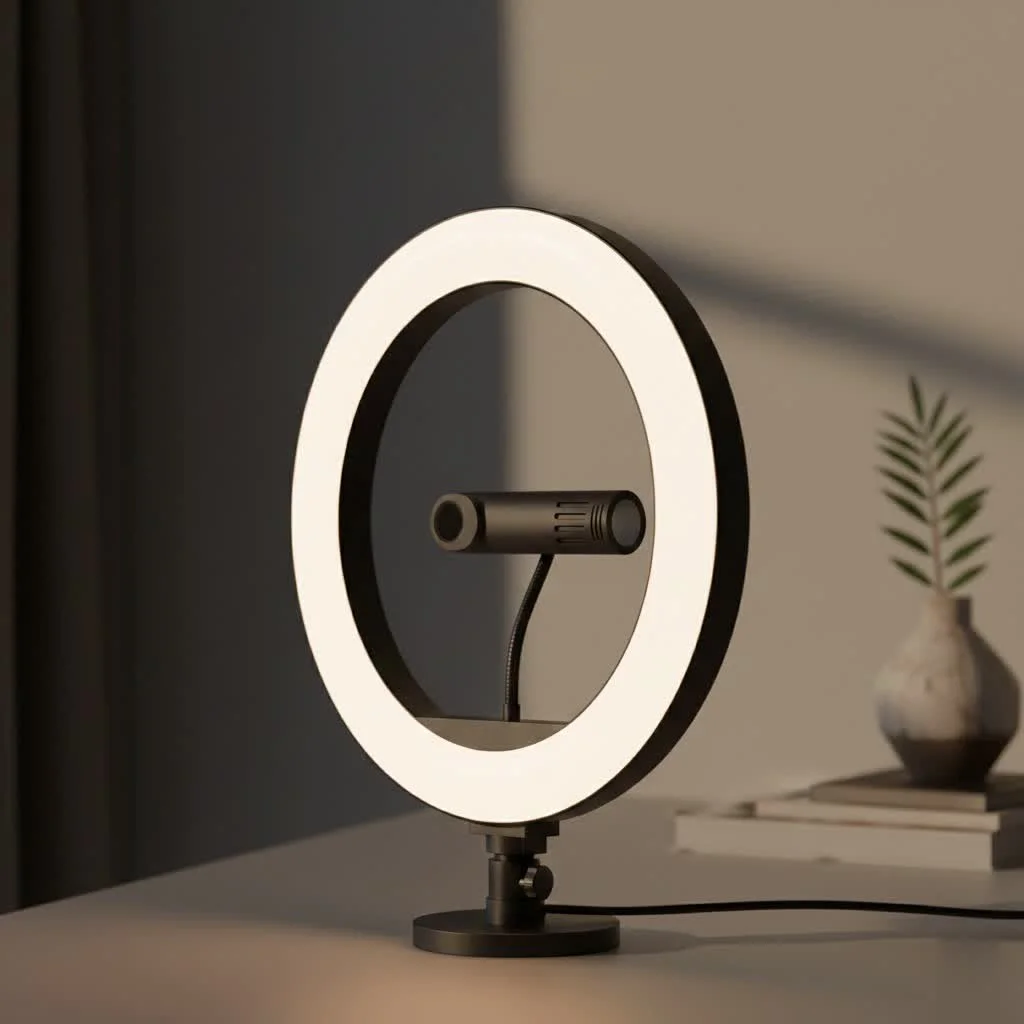 ring light illuminating a content creator” style=”margin: 20px auto;width: 800px;max-width: 100%;height: auto” />
This comprehensive guide will walk you through everything you need to know, from choosing the right model to mastering advanced lighting techniques. Let’s illuminate what this popular ring light has to offer. For browse all ring lights articles on this site.
What Makes the Vivitar Ring Light a Popular Choice?
A ring light’s primary job is to provide even, diffused lighting that minimizes shadows, and Vivitar’s models excel at this core function, especially given their accessible price point. They are designed for users who need a straightforward, effective lighting solution without a steep learning curve or a hefty investment.
Key Features Across the Vivitar Range
While Vivitar offers several models, including their “Creator Series” vlogging kits, most share a common set of user-friendly features:
- Adjustable Brightness: Most models come with multiple brightness levels, allowing you to customize the intensity of the light to suit your environment, whether you’re shooting in a dark room or just need a bit of fill light on a sunny day.
- Multiple Color Temperatures: This is a crucial feature. You can typically switch between warm, cool, and neutral white tones. This versatility helps you match the ambient lighting of your room or create a specific mood for your video or photo.
- Included Tripod Stand: Almost every Vivitar ring light comes packaged as a kit with a tripod. These stands are typically lightweight and adjustable, making it easy to position the light at the perfect height and angle.
- Phone Holder: Centrally located within the ring, the included phone holder is designed to place your smartphone right in the sweet spot for perfectly even lighting, which is ideal for vlogging, live streaming, and selfies.
Affordability Meets Functionality
Perhaps the biggest selling point for the Vivitar ring light is its value proposition. It democratizes professional-looking lighting, making it available to creators on a budget.
As lighting specialist Alex Chen notes, “The barrier to entry for high-quality content creation has never been lower. Tools like the Vivitar ring light provide 80% of the functionality of high-end professional gear at about 20% of the cost. For most users, that’s a trade-off that makes perfect sense.”
How to Choose the Right Vivitar Ring Light for You
With different sizes and kits available, selecting the right model depends entirely on your primary use case. Think about where and how you’ll be using it most often.
For Vlogging and Content Creation
|
Our Picks for the Best Ring Light in 2026
As an Amazon Associate I earn from qualifying purchases.
|
||
| Num | Product | Action |
|---|---|---|
| 1 | EMART 10\" Ring Light with 55\" Extendable Tripod Stands and Phone Holder, Dimmable LED Circle Round Light for Selfie Camera Photography/Makeup/YouTube Video/Vlogging/Live Streaming |

|
| 2 | Aureday 14\'\' Selfie Ring Light with 62\'\' Tripod Stand and Phone Holder, Dimmable LED Phone Ringlight for Makeup/Video Recording/Photography, Circle Lighting for All Cell Phones&Lightweight Cameras |
|
| 3 | Weilisi 10\" Ring Light with Stand 72\'\' Tall & Phone Holder,38 Color Modes Selfie Light with Tripod Stand,Stepless Dimmable/Speed LED Ring Light for iPhone & Android,YouTube, Makeup,TIK Tok |
|
| 4 | Upgraded Ring Light for Laptop, Monitor, Desk & Phone – Eye-Caring LED Webcam Light with Screen-Safe Clip, Adjustable Monitor Mount, 50 Lighting Modes, Computer Light for Zoom, Streaming, Video Calls |
|
| 5 | NEEWER Basics 10\" Selfie Ring Light with Tripod Stand/3 Phone Holders Compatible with iPhone/3 Cold Shoes/Remote, LED Ringlight Lighting for YouTube TikTok Vlog Video Recording Makeup Streaming, R11 |
|
| 6 | UBeesize 12\'\' Selfie Ring Light with 62’’ Tripod Stand for Video Recording, Live Streaming(YouTube, Instagram, TIK Tok), Compatible with Phones, Cameras and Webcams |
|
| 7 | STALLY 10.2\" Ring Light with Stand, 75\" Tall Ring Light with Phone Holder and Wireless Remote, 12 Dimming Levels, 32 Color Modes Selfie Light Tripod for iPhone, Live Stream, Makeup, YouTube, TikTok |
|
| 8 | Sensyne 10\'\' Ring Light with 50\'\' Extendable Tripod Stand, LED Circle Lights with Phone Holder for Live Stream/Makeup/YouTube Video/TikTok, Compatible with All Phones |
|
| 9 | 10\" Selfie Ring Light with 73\" Tripod Stand & 1 Phone Holder, LED Camera Ringlight with 48 RGB Colors Modes & Musical Rhythm Mode and 12 Brightness Dimmable for TikTok/Makeup/Photography/Vlog |
|
| 10 | Weilisi 12\'\' Ring Light with Stand 72\'\' Tall & 2 Phone Holders,38 Color Modes Selfie Light with Tripod Stand, Big LED Ring Light for iPhone/Android/Camera,YouTube,Makeup |
|
If you’re creating videos for YouTube, TikTok, or Instagram, you need versatility. Look for a larger ring light (10 inches or more) to provide a broader, softer light source. A kit that includes a sturdy, adjustable tripod is essential for setting up shots at different heights, whether you’re sitting at a desk or standing. The ability to switch color temperatures is also vital for maintaining a consistent look across different videos.
For Makeup Artists and Beauty Gurus
Detail is everything in makeup application and beauty tutorials. A Vivitar ring light provides the shadowless illumination needed to see every detail clearly. The neutral or “daylight” color temperature setting is your best friend here, as it renders skin tones and makeup colors most accurately. The circular “catchlight” it creates in the eyes is a signature of beauty photography and adds a professional touch to your look.
For Professional Meetings and Video Calls
A small, desktop-sized Vivitar ring light can dramatically improve your appearance on Zoom, Skype, or Google Meet calls. It provides a soft, flattering fill light that eliminates harsh overhead shadows and makes you look more alert and professional. For this purpose, a smaller 6 or 8-inch model that can sit on your desk is often more than sufficient.
Getting Started: A Simple Setup Guide
Setting up your Vivitar ring light is designed to be intuitive and should only take a few minutes.
- Assemble the Tripod: Unfold the tripod legs and extend the central column to your desired height. Ensure all locking mechanisms are tight and the stand is stable.
- Mount the Ring Light: Screw the ring light onto the top of the tripod. It should tighten easily by hand.
- Attach the Phone Holder: Most models have a flexible gooseneck arm for the phone holder. Screw this into the designated port inside the ring light, then attach the clamp-style holder to the arm.
- Connect the Power: The light is typically powered via a USB cable. Plug it into any standard USB power source, such as a laptop, a wall adapter, or a portable power bank.
- Position and Adjust: Place your phone in the holder. Turn on the light using the in-line remote and cycle through the brightness and color modes to find the perfect setting for your shot.
Pro Tips for Perfect Lighting
Owning a Vivitar ring light is the first step; knowing how to use it effectively is the next.
- Use It as a Fill Light: A ring light doesn’t always have to be your main light source. In a room with a window, place the ring light opposite the window to “fill in” the shadows created by the natural light. This creates a balanced, professional look.
- Experiment with Angles: Don’t just place the light directly in front of you. Raising it slightly above eye level and angling it down can create more flattering facial contours.
- Control the Distance: The farther the light is from you, the softer and less intense it will be. The closer it is, the brighter and more focused the light. Play with the distance to achieve your desired effect.
- Mind Your Background: Remember that the ring light will also illuminate what’s behind you. Ensure your background is clean and not distracting. The even light can help you use a green screen more effectively if you choose to.
Frequently Asked Questions (FAQ)
How do I change the color on my Vivitar ring light?
Most Vivitar ring lights come with an in-line remote on the power cord. This remote typically has four buttons: power on/off, increase brightness, decrease brightness, and a button to cycle through the different color temperature modes (e.g., warm, neutral, cool).
Is the Vivitar ring light good for streaming?
Yes, it’s an excellent budget-friendly option for streaming. It provides consistent, flattering light that keeps you looking clear and professional on camera, which is crucial for engaging with your audience on platforms like Twitch or YouTube Gaming.
What typically comes in a Vivitar creator vlogging kit?
A standard kit usually includes the LED ring light, an adjustable tripod stand, a universal smartphone holder, and sometimes a wireless remote shutter or additional small accessories. Always check the box contents before purchasing.
How tall can the tripod stand get?
The maximum height varies by model. Desktop versions might only be a foot tall, while larger creator kits often include tripods that can extend to over 50 inches, allowing for full-body standing shots.
Can I use a regular camera with the ring light instead of a phone?
The included holder is designed for smartphones. However, the ring light itself typically mounts on a standard tripod thread. You could potentially use a separate mount to attach a lightweight DSLR or mirrorless camera, but ensure the tripod can handle the extra weight.
Your Partner in Perfect Lighting
The Vivitar ring light stands out as a powerful tool for anyone looking to improve their on-camera presence. It proves that you don’t need a Hollywood budget to achieve clean, beautiful, and effective lighting. By understanding its features and applying a few simple techniques, you can significantly enhance the quality of your photos and videos. It’s a smart, affordable investment that pays dividends in production value, helping you put your best face forward every single time.
Frequently Asked Questions
How do I change the color temperature on my Vivitar ring light?
Most Vivitar ring lights feature an in-line remote on the power cord that includes a dedicated button to cycle through different color temperature modes, such as warm, neutral, and cool. This allows users to easily adjust the light to match ambient conditions or create specific moods for their content.
Is a Vivitar ring light suitable for live streaming sessions?
Yes, a Vivitar ring light is an excellent budget-friendly option for live streaming. It provides consistent, flattering light that ensures you appear clear and professional on camera, which is essential for engaging with audiences on platforms like Twitch or YouTube Gaming.
What accessories are typically included in a Vivitar creator vlogging kit?
A standard Vivitar creator vlogging kit usually includes the LED ring light, an adjustable tripod stand, a universal smartphone holder, and sometimes additional small accessories like a wireless remote shutter. It's always recommended to check the specific box contents before making a purchase.
What is the maximum height of a Vivitar ring light tripod stand?
The maximum height of a Vivitar ring light tripod stand varies by model. While desktop versions might only reach one foot, larger creator kits often include tripods that can extend to over 50 inches, accommodating full-body standing shots for diverse content creation needs.
Can I use a traditional camera with a Vivitar ring light instead of a smartphone?
The included holder with Vivitar ring lights is primarily designed for smartphones. However, the ring light itself typically mounts on a standard tripod thread, allowing you to potentially use a separate mount to attach a lightweight DSLR or mirrorless camera, provided the tripod can support the additional weight.
Set Up Your Vivitar Ring Light
Setting up your Vivitar ring light is a straightforward process designed to be intuitive and quick, typically taking only a few minutes.
Unfold the tripod legs and extend the central column to your desired height. Ensure all locking mechanisms are tight and the stand is stable before proceeding.
Carefully screw the ring light onto the top of the tripod. It should tighten easily by hand, securing the light firmly in place.
Most models feature a flexible gooseneck arm for the phone holder. Screw this arm into the designated port inside the ring light, then attach the clamp-style holder to the arm.
The light is typically powered via a USB cable. Plug it into any standard USB power source, such as a laptop, a wall adapter, or a portable power bank, to provide power.
Place your phone securely in the holder. Turn on the light using the in-line remote and cycle through the brightness and color modes to find the perfect setting for your shot, optimizing your lighting.
Get our weekly buyer guide
Practical specs, not advice. Unsubscribe anytime.
This Vivitar ring light is fantastic for my Zoom calls and online meetings. The warm, cool, and neutral light options make a big difference in how I look on camera, no matter the time of day. It’s so affordable and has definitely improved my virtual presence without breaking the bank.
The Vivitar ring light is decent for the price, especially with the multiple color temperatures. I found the tripod stand a bit flimsy though, and it doesn’t extend as high as I’d hoped for my standing shots. It works well for desk setups, but I might need to invest in a separate, sturdier stand down the line.
I’ve been using the Vivitar ring light for my makeup tutorials and it’s been a game-changer. The adjustable brightness is super helpful for different looks, and I love that it came with a phone holder. For under $50, you really can’t beat the quality and features you get. My videos look so much more professional now.
I picked up a Vivitar ring light after seeing it recommended for minimizing shadows, and it really does the trick. My product photos look so much better with the even, diffused illumination. It was easy to set up right out of the box, which was a huge plus for me as a beginner.